Give everyone the information they need when they need it
Imagine you're standing next to a customer who's asking where today's delivery is. Or you're coordinating the recovery of a stolen vehicle and need to share its location with a contractor. Maybe you're meeting a subcontractor who simply needs to know where to find your team.
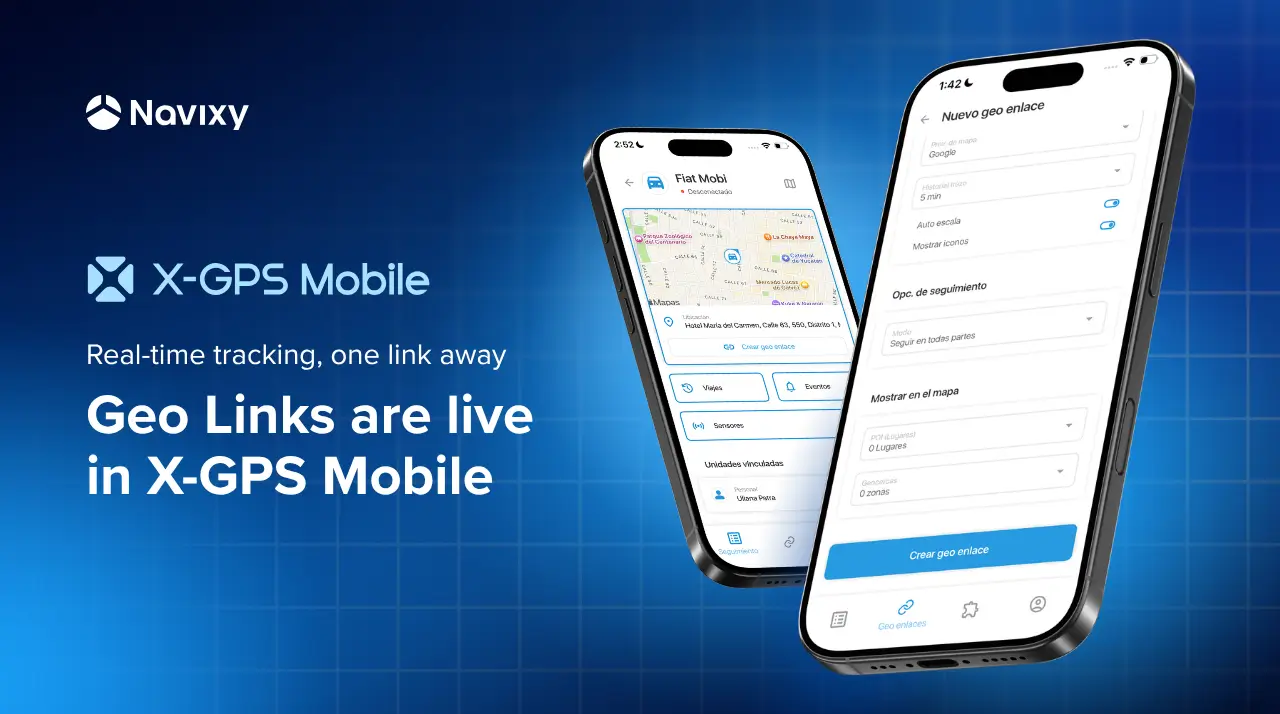
In all of these situations, the information is already in Navixy. What's been missing is a convenient way to share it when you're away from your desk. Until now, creating a geo link meant opening the web platform first. Now, you can do the whole job directly from X-GPS Mobile.
Small delays create bigger operational costs
According to Bringg's 2026 Last-Mile Performance Outlook, 51% of enterprise logistics companies fail to meet their own ETA accuracy targets despite investing heavily in real-time delivery visibility.
Knowing where a vehicle is is only part of the job. Getting that information to the right person often takes longer than it should.
Every "Where is my delivery?" call ties up dispatchers or customer support teams. Every unclear ETA can leave warehouse staff, contractors, or customers waiting with people and equipment standing idle. When updates depend on someone switching to the web platform, preparing a live location link, and manually sending it to everyone who needs it, response times slow down and routine coordination starts consuming time that could be spent elsewhere.
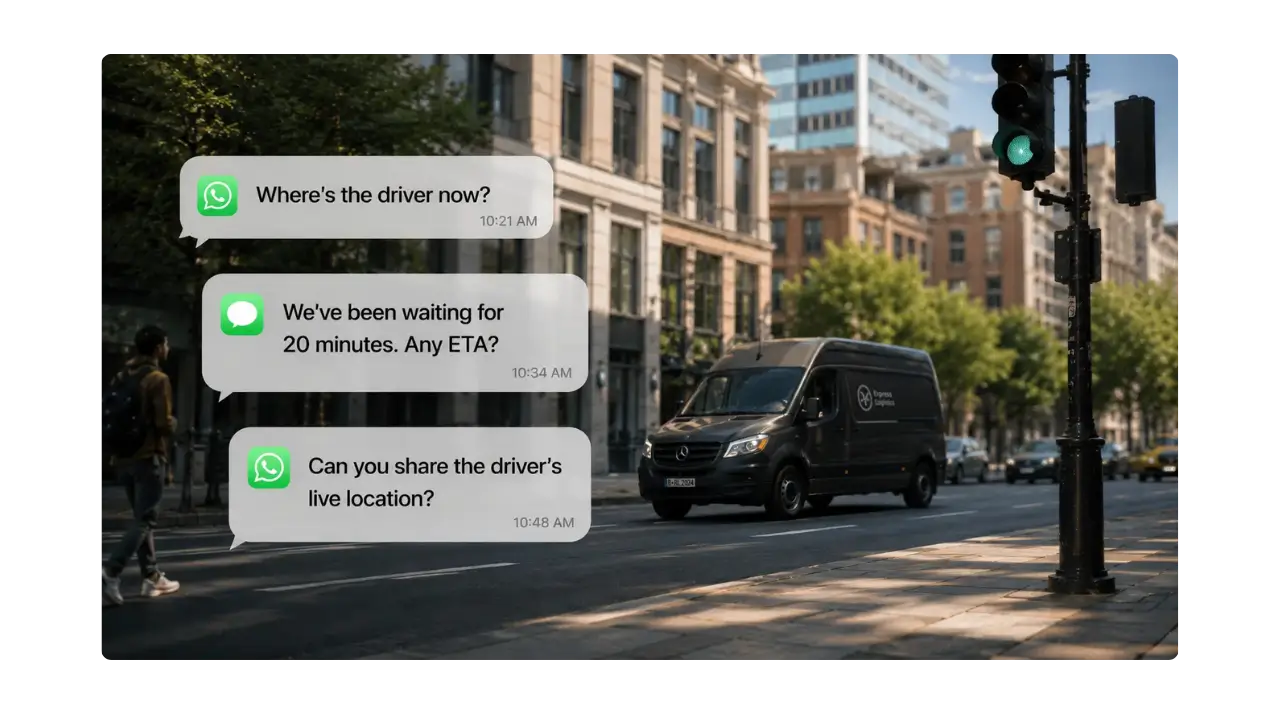
The impact goes beyond efficiency. Poor delivery visibility is consistently linked to lower customer satisfaction, while missed or inaccurate ETAs contribute to failed deliveries, detention costs, and unnecessary operational overhead. Even outside logistics, whether coordinating roadside assistance, field technicians, or stolen vehicle recovery, every extra phone call or message adds friction when fast decisions matter most.
Geo links remove that bottleneck. Instead of routing every location request through the operations center, anyone with the X-GPS Mobile app can securely create and share a Geo link in seconds, keeping customers, partners, and field teams informed without adding work for dispatch.
Share live location instead of constant updates
Instead of answering repeated ETA requests or forwarding updated coordinates every time a vehicle changes course, you can share a single Geo link that opens in any browser. Everyone sees the same live information without phone calls, screenshots, or manual updates.
You decide what recipients can see, how long the link remains active, and which assets it includes. Whether you're sharing one vehicle or up to 100 assets, the link provides temporary access without requiring a Navixy account.
For customers, it means fewer "Where is my order?" calls. For contractors, it means knowing where to go without waiting for another message. For your team, it means spending less time relaying information and more time keeping operations moving.
A familiar feature, now available on your phone
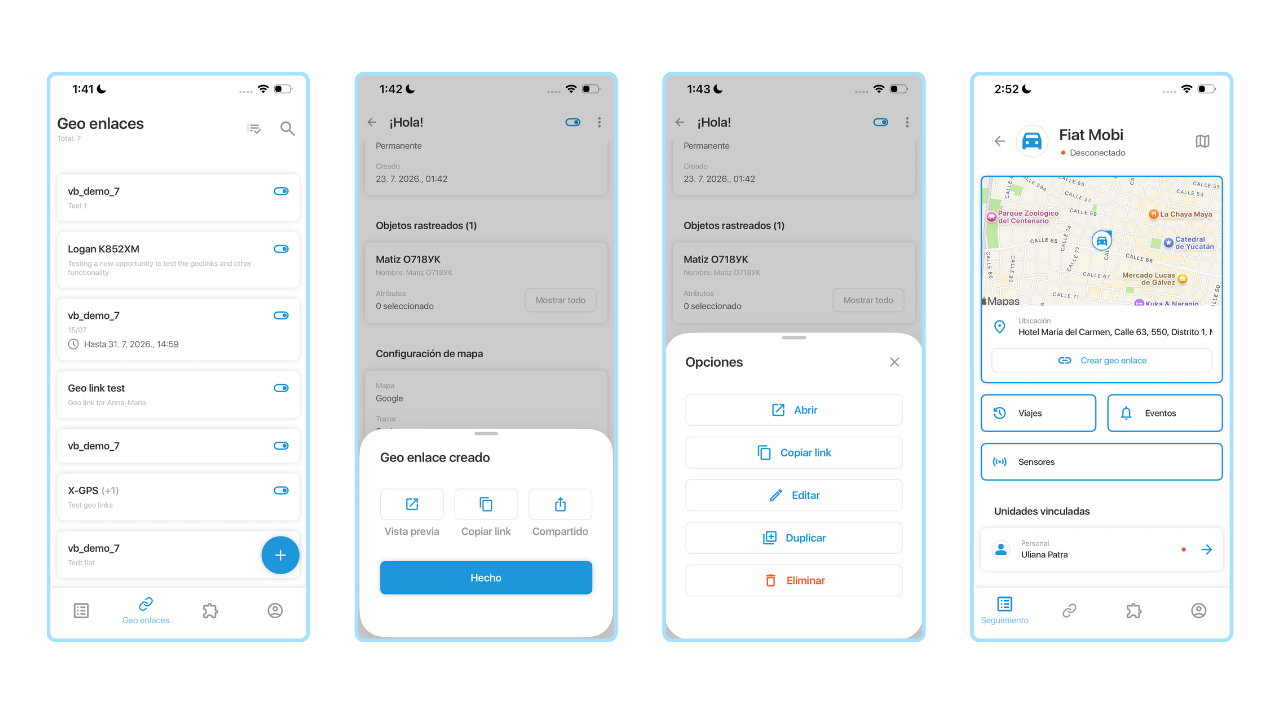
The mobile experience follows the same workflow as the web version, so there's nothing new to learn. Open the new Geo links section in X-GPS Mobile, tap Create, add a description, choose how long the link should remain active, and select the assets you want to share. A single Geo link can include one tracked object or up to 100 assets, making it suitable for both individual jobs and larger fleet operations.
Before sharing the link, you can decide exactly what recipients will see. Choose which asset attributes to display, select your preferred map provider, include trip history, show geofences or points of interest, and, if necessary, limit visibility to activity inside or outside selected geofences.
If you're already viewing an asset in X-GPS Mobile, you can create a Geo link directly from that screen without returning to the main Geo links section.
Manage existing Geo links from anywhere
Creating a Geo link is only part of the workflow. Sometimes you need to share it again, extend its lifetime, or disable it after the job is finished.
X-GPS Mobile lets you preview existing Geo links, copy or share them again, edit their settings, duplicate them for recurring work, temporarily disable them, re-enable them later, or delete them completely. The same management tools you've used in the web platform are now available when you're out in the field.
Where Geo links make the biggest difference
Geo links become valuable whenever someone outside your organization needs temporary access to live fleet information. Here are a few situations where they can simplify coordination without giving external users access to the full telematics platform.

Improve service for high-value deliveries
Some shipments require more than a promised ETA. Whether it's construction equipment, medical supplies, or high-value cargo, customers often expect greater visibility throughout the delivery process.
Instead of providing status updates throughout the day, share a Geo link once. Customers can follow the vehicle's progress in real time from any browser, while your operations team stays focused on the delivery.
Business outcome: Fewer status inquiries, less dispatcher involvement, and a better customer experience for high-value deliveries.
Support security teams during incidents
When a vehicle triggers a security alert or requires on-site assistance, external responders don't need access to your telematics platform, they simply need to know where the vehicle is.
A Geo link lets security personnel or response teams follow the vehicle's live location until the situation is resolved. Access can be limited to the information they need and automatically expire afterward.
Business outcome: Faster coordination during security incidents without creating user accounts or exposing operational data.
Coordinate temporary crews and subcontractors
Field operations often involve subcontractors, seasonal workers, or temporary crews who need to locate vehicles or active work sites without becoming regular platform users.
Instead of creating user accounts or explaining directions over the phone, send a Geo link that provides temporary visibility for the duration of the job.
Business outcome: Less onboarding, fewer coordination calls, and faster arrival at the right location.
Keep multi-company projects moving
Construction sites, utility maintenance, telecom deployments, municipal services, and large events often involve several organizations working together. Everyone needs visibility into what's happening, but not everyone should have access to your telematics platform.
Geo links provide temporary, controlled visibility to partners and contractors, helping everyone work from the same live information while keeping your operational environment secure.
Business outcome: Smoother collaboration across organizations without compromising security or increasing administrative overhead.
Keep external projects moving
Construction sites, utility maintenance, telecom deployments, municipal services, and large events often bring together multiple organizations working toward the same goal. Sharing fleet information with every participant isn't practical, but keeping everyone informed is.
Geo links make it easy to provide temporary, controlled visibility to partners, contractors, or customers, helping everyone work from the same live information without exposing the rest of your telematics environment.
Bring operational visibility to the people who need it
There's always more behind a point on the map than latitude and longitude. Geo links in X-GPS Mobile help remove the friction between having fleet data and putting it to work. When live location can be shared in seconds from the field, teams spend less time coordinating and more time moving work forward.
If you'd like to see how Geo links fit into your operational processes or explore other ways to streamline communication around fleet data, contact our team. We'll be happy to walk you through the possibilities.