Team CommunicationContext Inside Every Work Order

    Keep work talk inside every task and site record

    Stop digging through personal chat apps for parts photos and gate codes. Anchor messages, photo markup, shift availability, and urgent broadcasts directly inside Navixy work orders.

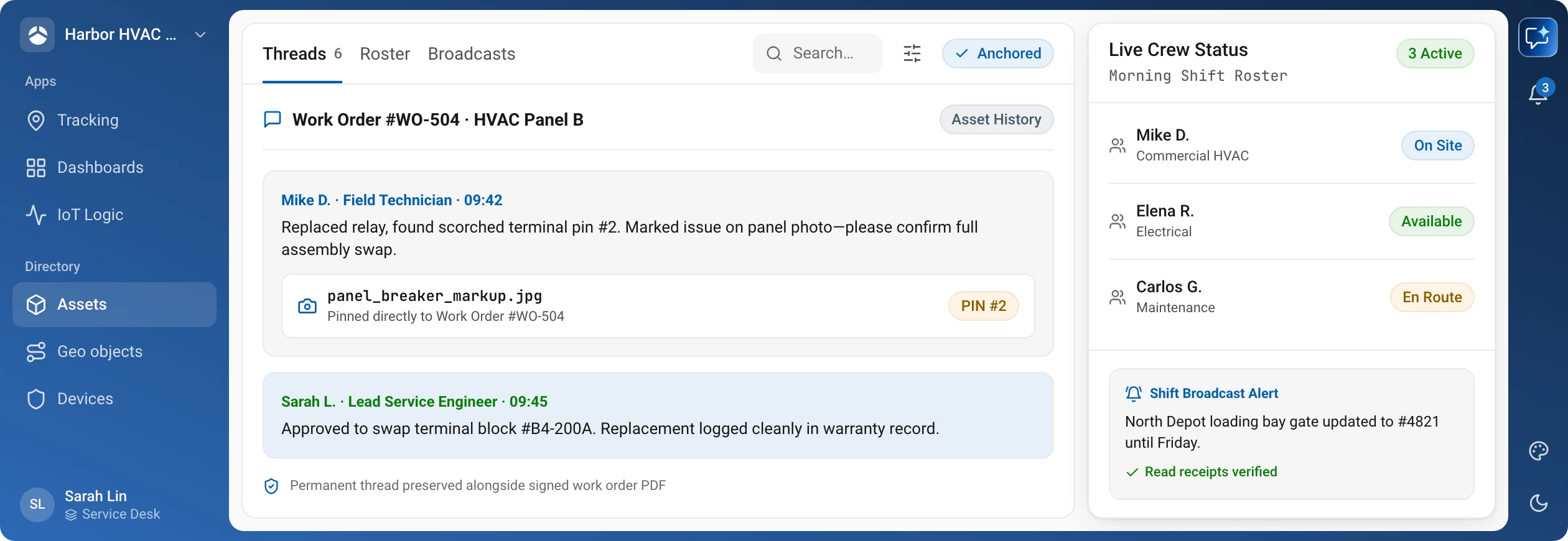
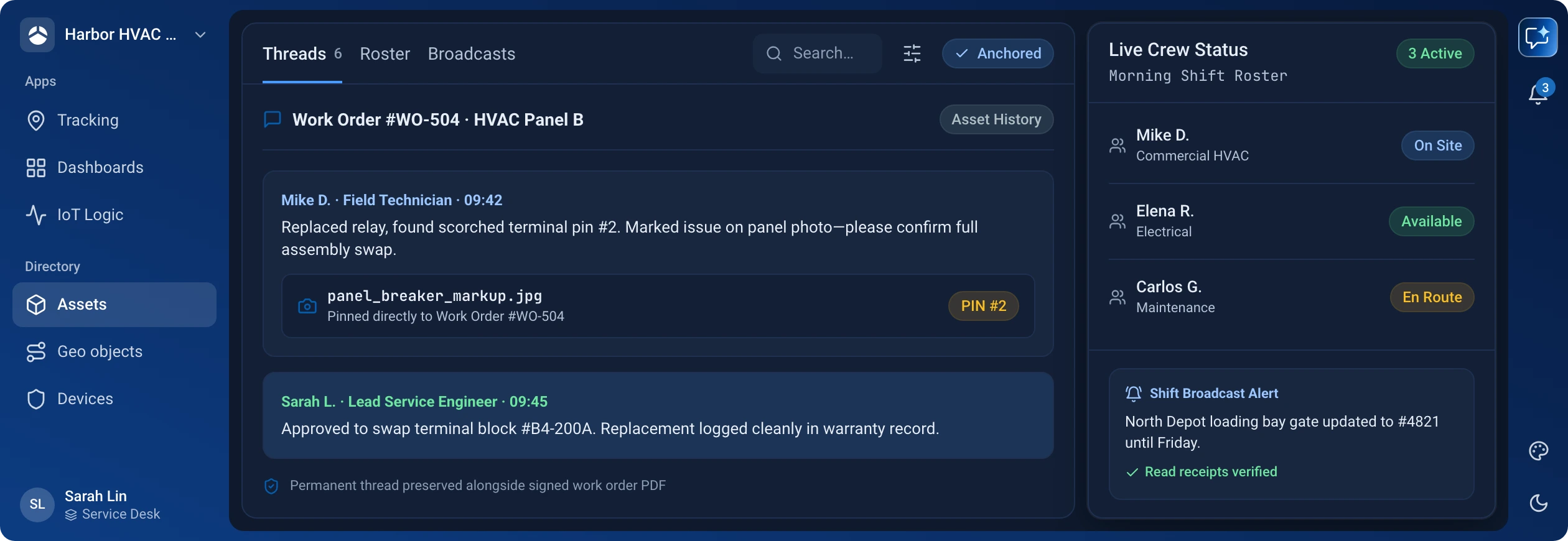
    Task-anchored chat threads
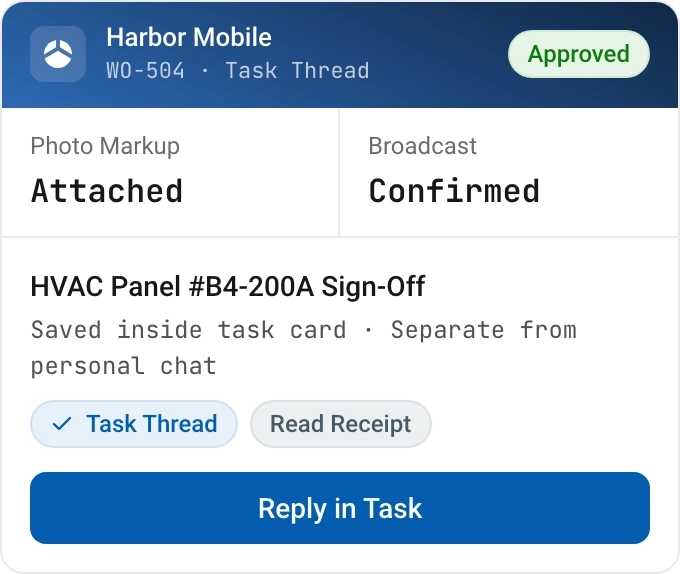
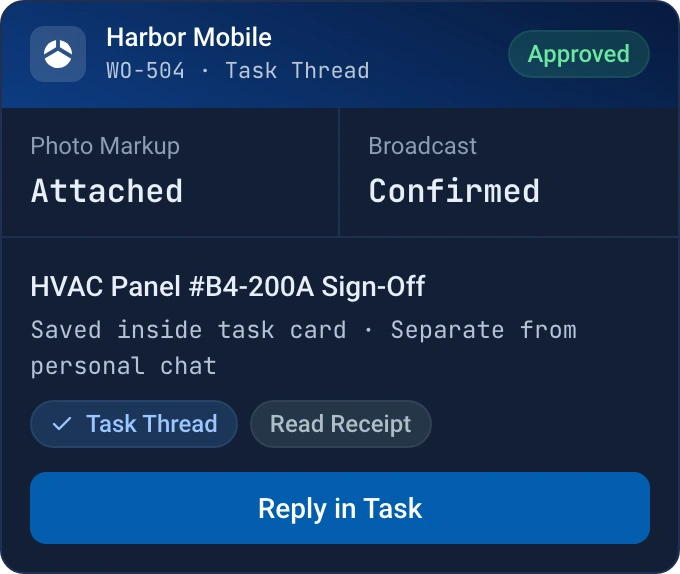
    Photo attachments & markup
    Urgent shift broadcasts
    Clean work/personal separation
    Team Communication · Context Inside Every Work Order
    Photos and decisions stay tied directly to each job record
    Task Threads
    Confirm who opened urgent route or safety announcements
    Read Receipts
    See who is available or on site without phone tag
    Team Status
    No personal numbers exposed or off-hours chat noise
    Shift Boundaries

    Your team is scattered across five apps—bring work talk home

    When parts confirmations live in personal WhatsApp threads, new technicians miss history, office staff chase answers, and disputes have no paper trail.

    Threads · Anchored

    Comments attached to tasks, not lost in feeds

    Open any job six months later and read every question, supervisor sign-off, and site photo in one timeline.

    Status · Visibility

    Real-time crew availability at a glance

    Dispatchers check shift state, active stop status, and quick updates without calling techs mid-ladder.

    Broadcasts · Clear

    Reach the whole crew cleanly in seconds

    Send safety advisories, weather alerts, or site access updates to targeted regions and verify read receipts.

    How Work Coordination Flows

    Three everyday habits that eliminate endless status calls

    Built for dispatchers and field technicians who need fast answers without noisy group chats.

    01Context inside jobs

    Snap a photo, ask a lead, keep the proof

    Technicians mark issues right inside the active work order instead of switching between camera roll and external messengers.

    Inside Work Order
    Question + marked image -> Supervisor approval
    Automatically preserved in the closed job PDF and customer record.
    Zero missing context on repeat visits
    02Crew availability

    Know who can take an urgent detour

    Live operational statuses show whether a specialist is busy on repair, wrapping up paperwork, or ready for the next stop.

    Roster Overview
    Clear shift & job progress without interrupting
    Prevents assigning emergency tickets to overloaded technicians.
    Faster urgent dispatch without phone tag
    03Targeted broadcasts

    Confirm urgent updates with read receipts

    Broadcast critical route closures or updated site safety instructions to active shifts—no replying needed to confirm receipt.

    Broadcast Tracking
    Notice sent to regional crew -> Acknowledgment logged
    Auditable communication record across every active shift.
    Verified crew alignment in the field
    Governance & Respect for Crews

    An audit trail that protects everyone—without invading off-shift time

    Work messaging belongs inside company tools where history stays searchable and employees keep personal chats separate.

    A permanent record linked to operations

    • Every customer change request and scope approval stays attached to the ticket
    • Timestamped notes and annotated photos resolve billing disputes quickly
    • Managers keep full thread history across all crew transitions

    Clear boundaries for technicians

    • Separate work notifications from family and personal messaging apps
    • Technicians do not have to share personal phone numbers with subcontractors
    • Revoking staff access removes company thread access on personal devices

    Built for high-coordination field operations

    Keep dispatchers, senior engineers, and subcontractors aligned cleanly on every stop.

    Complex commercial HVAC & electrical repairs

    Verify wiring modifications and parts swaps with senior leads directly inside the site ticket before closing.

    • Annotated equipment photos inside task history
    • Clear approval log for warranty audits

    Emergency utility & facility callouts

    Coordinate multi-crew storm response and gate access updates without buried texts.

    • Priority broadcasts across active territories
    • Confirmed team visibility by zone

    Mixed employee & subcontractor teams

    Bring temporary contractors into specific work threads without exposing unrelated client rosters.

    • Job-level messaging isolation
    • Zero leak of internal company chat groups

    Frequently asked questions

    One app for field tasks and complete crew coordination

    Unite messaging, scheduling, and mobile proof inside Navixy Field Service—so no job context gets lost again.