Building an app is easier now. What comes next?

AuthorDaniel N., CEO of Navixy
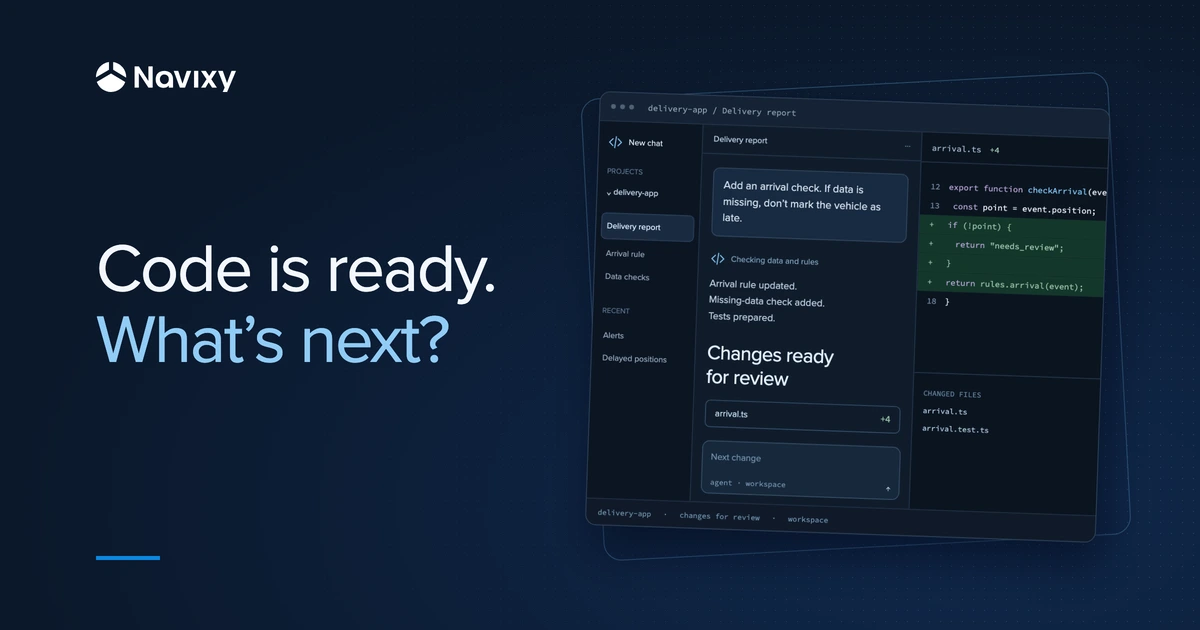
I like that AI agents let people try ideas they used to put off. Someone knows their work, sees a way to make it easier, and can now build a small tool for it faster. A customer report, an app for a dispatcher, an integration with a warehouse system. More of those ideas get a chance.
That changes what I expect from a platform, too. People should be able to try an idea quickly, then keep improving it: put it in users' hands, see what works, and make changes. They need a platform they can rely on so they can focus more on the problem itself. That's the thinking behind how we're building Navixy V4.
The first version of your app helps you understand the problem and test your approach
Say you've built a dispatch app with an agent. It shows deliveries and flags potential delays. You can already sit down with someone who will use it and see whether it helps them do their job.
That conversation brings out details that are hard to anticipate. The dispatcher knows about a recurring line at one warehouse. At another, they need to call the recipient ahead of time. And they ignore some alerts because there are too many and nothing needs to be done about them.
Now you have a basis for the next version. You can adjust the alerts and check whether it's easier to spot the deliveries that actually need attention.
Three questions come next, and they shape how the app works day to day: what data it relies on, how to maintain it, and what you can delegate to agents.
Data your app can rely on and your users can trust
“Was the vehicle late?” sounds straightforward until you have to choose the event to use in the calculation. Entering the warehouse site and having the shipment accepted can happen half an hour apart. The query will run either way, but the answers will mean different things.
It makes sense to define the rule you've agreed on with the customer once and use it across their apps. The morning report and the dispatch assistant can then use the same definition of arrival. If the customer changes the rule, you can tell when the new version took effect and whether its results are comparable with earlier ones.
Seemingly simpler issues affect the answer, too. Devices send data in different formats, messages arrive late, and tracks have gaps. “The vehicle didn't arrive” and “we didn't receive arrival data” are different situations. The app needs to distinguish them, or a gap in the data can easily look like a driver's late arrival.
That's why we're thinking through the full path the data takes: how to preserve the original records, normalize them, and connect them to vehicles, people, and tasks. That gives you a basis for defining useful events and metrics. And if a customer questions a number in a report, you can work backward: here's the source data, here's the rule, and here's how the result was calculated. That's the approach we're building into the platform.
After launch, you'll maintain and improve the app for your users
Suppose the dispatcher is used to getting a report at the start of each shift. One day, it doesn't arrive. What happened: did the data come in late, did the calculation fail to finish, or did the app never start?
Execution history helps you figure that out: which steps ran, how long a script or query took, and where the process stopped. An error message is useful when it tells you what happened and at which step. For an agent, the current status matters, too: is it still running, has it failed, or is it waiting for a person to approve something? Waiting for a decision and failing call for different responses.
Our approach is to make that history available for analysis. Inspect the data stream in IoT Logic Inspector, look at the logs in IoT Query, and relate them to the app's execution. A person, or an agent helping with the analysis, then has something concrete to investigate. That makes it easier to fix the issue, test the new version, and roll back if necessary.
But a tool can run correctly and still be frustrating to use. If an update doubles the dispatcher's alerts, it's worth checking whether those alerts help them spot the right deliveries or just distract them. Data about the app's behavior helps you evaluate the change with the user: what changed, and did it help?
When another customer needs the app, you can adapt the existing solution to their settings while keeping their data and permissions separate. In our approach, a shared environment helps a partner develop one solution for multiple customers without maintaining a collection of separate copies.
Authentication and authorization for agents
An assistant preparing a summary only needs to read data. An agent assigned to change drivers' tasks needs different permissions. That difference defines the agent's access: what data it can read and what actions it can take.
We take the same approach here as we do with people: every participant has a role and responsibilities. When an agent makes a request, you need to establish whose behalf it's acting on, which customer it's working with, and whether that particular action is allowed. Those boundaries need to hold whether the request comes through an app or directly from the agent.
If a driver's task changes, it's useful to see who changed it and when. If an agent couldn't complete an assignment, you need to understand which permission it lacked. That history makes it easier to review results and decide what to delegate next. You can start with read access and gradually add actions as confidence in the agent's work grows.
I want partners to have more time for their customers' problems. A successful first app should be the start of something they can keep improving, offer to other customers, and adapt as needs change. That's what a dependable platform is for.