Build home-presence monitoring that separates absence from outages

AuthorBenjamin Hayes
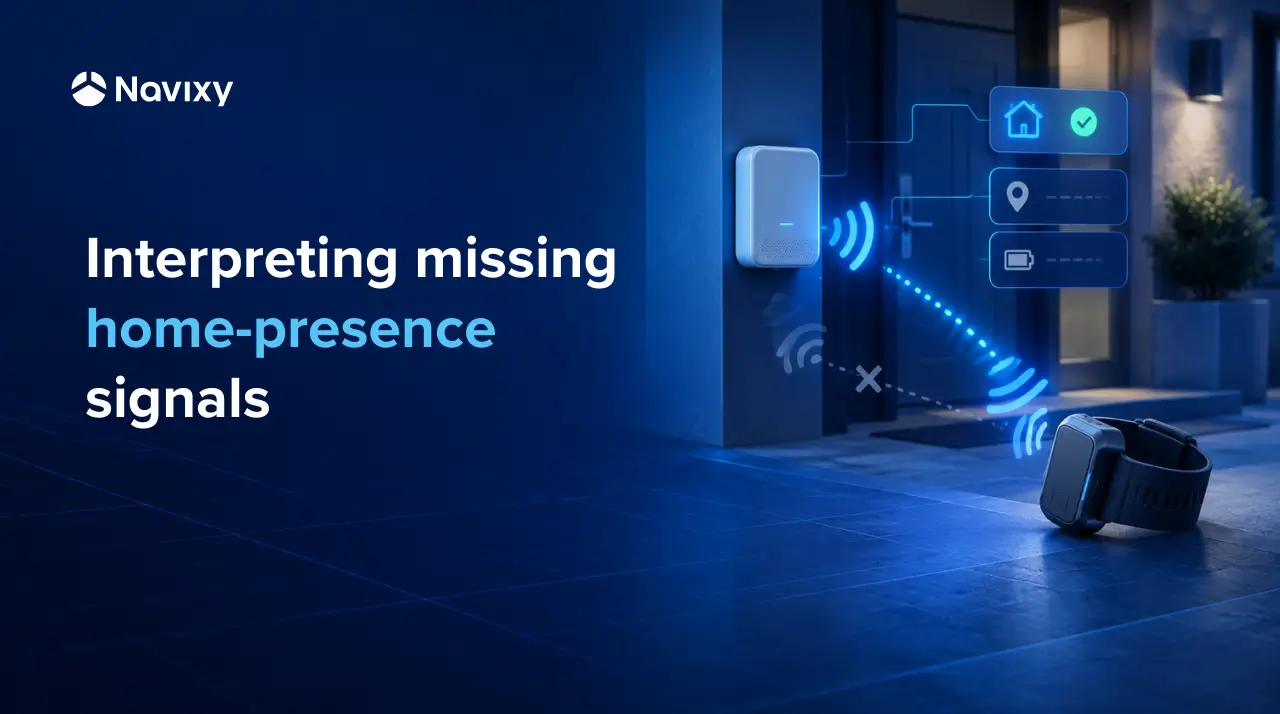
A missing home-presence signal can mean several different things: a person may have left, local detection may have failed, or the monitoring equipment may have stopped reporting.
For providers supporting home-curfew monitoring, those possibilities have very different operational consequences. Treating every missing signal as a confirmed departure can create unnecessary escalations. Treating equipment silence as proof that a person is still home can create a much more serious problem: a monitoring gap that goes unnoticed.
A useful monitoring service should therefore do more than generate an alert. It should help operators answer three questions:
- What do we actually know about the person's presence?
- What might explain the missing observation?
- Who needs to investigate, and what evidence do they need?
This article examines how TSPs and solution builders can combine local-presence observations, wearable telemetry and equipment status to make monitoring exceptions easier to interpret. Using the Megastek S921 home station and MT200X ankle tracker as the hardware reference, it explores the data such a service needs and how Navixy's processing, integration and analytics capabilities could support it.
The goal is not to make the system decide whether a curfew violation occurred. It is to reduce the time and uncertainty involved in investigating an exception while keeping the limits of the available evidence visible.
What happens when home presence is required but detection stops?
Let's say a curfew starts at 9 p.m. The monitoring service has an earlier home-presence observation, but no fresh detection confirms that the assigned wearable is still near the station.
An operator now needs to investigate.
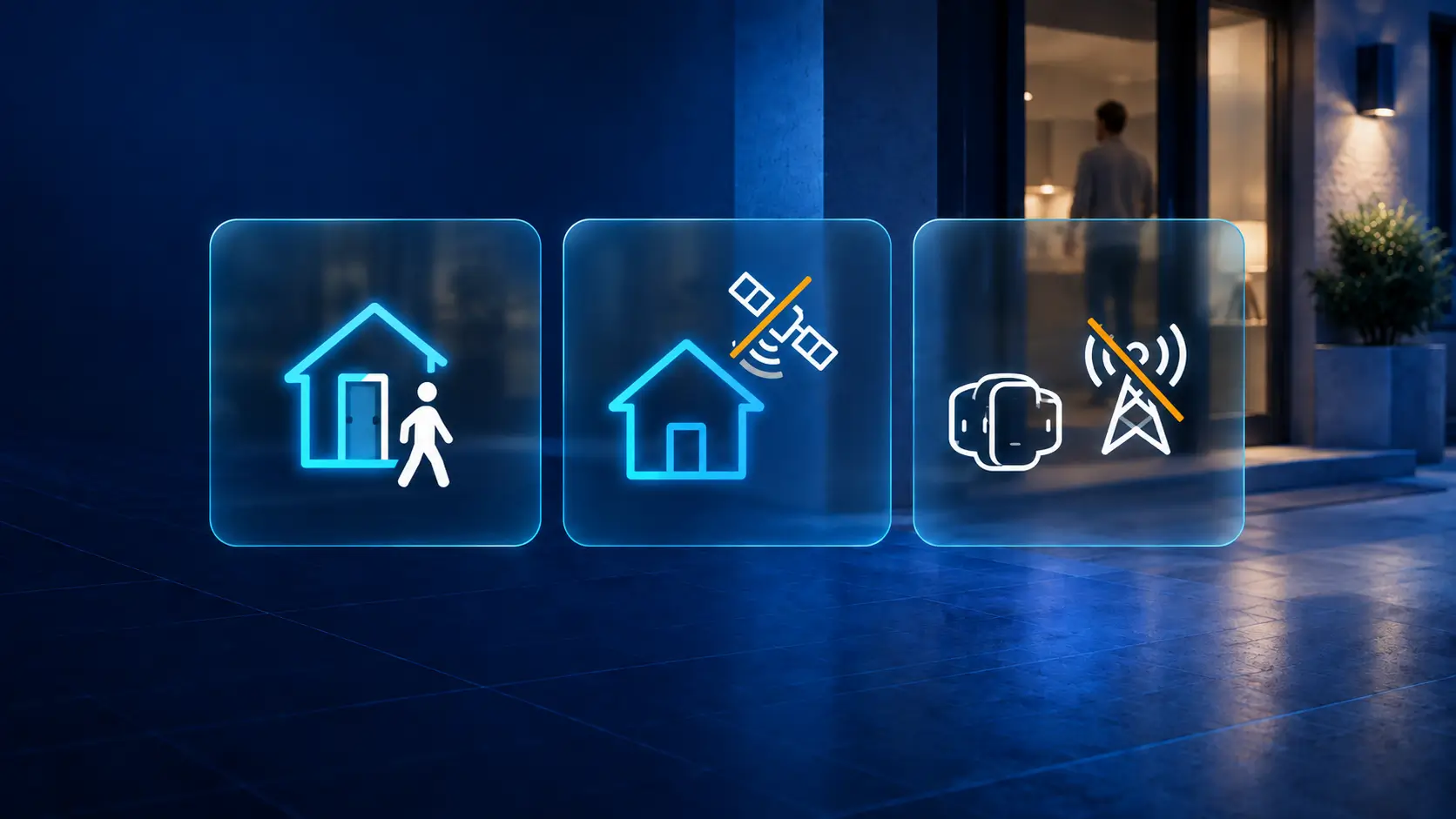
The person may have left. The station may have lost connectivity. The wearable may have stopped reporting. Local radio conditions may be affecting detection. An old location on the map does little to distinguish between these possibilities unless its age and source are clear.
This investigation effort is itself an operational concern. A U.S. GAO review of location monitoring identified gaps in structured information about alert causes and the time officers spent investigating and responding. For a TSP, that points to a practical service requirement: bring the relevant observations together so the operator does not have to reconstruct the situation manually.
In other words, the objective is not simply to detect a missing presence signal. It is to turn that signal into a more useful operational picture:
Presence is no longer confirmed. Here is what the station is reporting, what the wearable is reporting, how fresh those observations are, whether an approved departure applies, and whether the situation looks like a supervision exception or a monitoring problem.
That distinction can reduce unnecessary escalation, shorten investigation time and help technical teams resolve equipment-related gaps without treating them as supervision incidents.
What a home station adds to wearable tracking
To understand what could help in the 9 p.m. scenario, we first need to look at what the equipment can actually tell us. A fixed station and a wearable observe different parts of the situation. Their roles determine what the service can reasonably conclude.
How the home station and ankle tracker work together
The Megastek S921 is a fixed home station designed to assist compatible ankle trackers, including MT200X. Megastek describes a Wi-Fi connection with the wearable and a nominal detection range of 15–20 meters. The station also lists power-off, removal, hit and SOS alarms, plus heartbeat messages.

The MT200X contributes outdoor positioning and wearable-related status and alarms.
Together, the devices can provide three useful types of information:
- local presence observations from the station;
- outdoor positioning from the wearable;
- equipment status and alarms that can help explain a monitoring gap.
That combination is more useful than any single signal, but only if the service preserves what each observation actually means.
What being near the station actually tells us
A recent detection provides evidence that the assigned wearable was near the station at that observation time. It does not establish an exact room or property boundary, and it does not independently verify who is wearing the device.
The nominal detection range also needs to be tested at the installation. Walls, neighboring apartments and station placement can affect local detection. Those conditions should influence how the service interprets a detection gap.
The principle is simple:
An observation is evidence about a situation at a particular time. It is not automatically proof of everything the operator wants to know.
Before interpreting a signal, establish its context
Before defining alert conditions, the builder needs a clear data contract. The service should know which observations are available, which equipment they belong to, when they occurred and what operational context applies.
Which wearable, which station and which assignment?
Start with the observation itself.
Which wearable was detected? Which station was involved? When did the observation occur? Which equipment is currently assigned to the monitored installation?
This relationship matters when devices are replaced or reassigned. Assignment history should be preserved so earlier events can be interpreted against the equipment relationship that applied at the time.
A recent message may contain an old observation
Device event time and server receive time should remain separate.
A delayed message may accurately describe an earlier event while providing no evidence about the current situation. The service therefore needs to distinguish between:
- station health;
- wearable health;
- presence freshness.
A recent heartbeat can establish communication without providing a new presence observation. Power and connectivity information can help explain a gap, provided the service knows which signals each device supplies and what they mean.
Was the departure allowed at that time?
The service also needs the applicable schedule and any approved departure.
That information should include its validity period, timezone and reference. Changes should be identifiable so an expired or superseded approval does not continue influencing decisions simply because its last value remains available.
The case-management system should remain the authority for that permission. The monitoring workflow should use it as context, not silently become the source of truth.
Using those inputs to interpret the missing detection
With the inputs defined, we can return to our 9 p.m. scenario.
The service now has enough context to distinguish between a confirmed recent presence observation, a possible departure or detection issue, and a situation where monitoring has simply become uncertain.
Fresh detection establishes proximity for that moment
If a fresh observation from the expected station arrives, the service can show that evidence and its timestamp.
This answers the presence question for that observation time. Any unrelated wearable alarm or equipment incident remains open for its own review.
Both devices are reporting, but detection is missing
Suppose both devices continue communicating but local detection disappears.
The service can look for corroborating information, such as a recent outdoor wearable position. That combination may warrant a possible-departure investigation.
Healthy communications alone, however, do not establish that the local radio link is working correctly. A detection problem remains another possible explanation.
So the useful result is not:
“The person left.”
It is closer to:
“Local presence is no longer confirmed. The devices are reporting, the wearable has this recent position, no applicable permission explains the gap, and the situation requires investigation.”
That is a much more actionable starting point for an operator.
When equipment stops reporting, presence becomes uncertain
If either device stops providing usable information, the service should classify the situation as monitoring uncertainty.
Carrying the previous presence state forward indefinitely would conceal the gap.
Silence also needs its own trigger. A condition evaluated only when a packet arrives may never execute after reporting stops. A verified platform timeout or external timer can identify stale observations even when no new telemetry arrives.
The important distinction is between absence of evidence and evidence of absence. The monitoring service should preserve that distinction rather than forcing an uncertain situation into a definitive alert.
Putting the monitoring logic into practice with Navixy
These distinctions translate into several processing requirements. The next step is to establish which parts Navixy can handle with the available device data and which require configuration or an external integration.
Start by confirming which device events reach Navixy
MT200X is integrated with Navixy, with capabilities and rule categories relevant to battery, connectivity, SOS and bracelet monitoring.
This integration does not establish support for every S921 event. Their exact mapping still requires confirmation, so the workflow should be treated as a reference design to validate before deployment.
First confirm:
- which device originates each event;
- how Navixy decodes it;
- where the resulting attribute is available;
- whether timestamps and state changes behave as expected.
Controlled test events can be inspected with Data Stream Analyzer. Verify missing values and whether an alarm represents a transition or a state that remains set.
This validation step is important because the operational logic is only as reliable as the underlying event definitions.
Evaluating the observations with IoT Logic
IoT Logic provides calculated attributes, conditional processing and external actions.
Once the required inputs are verified, a builder can use these capabilities to evaluate the classifications described above. The original observations should remain available alongside the derived classification so an operator can inspect the evidence behind it.
If the station and wearable report as separate objects, their information also needs to be correlated appropriately. Putting both into a flow does not by itself prove that their latest states can be joined correctly.
Where the required correlation or timing behavior is unavailable, an external service may need to provide it.
Bringing approved permissions into the flow with HTTP Push
HTTP Push enrichment allows an external system to associate attributes with an existing tracker for processing alongside telemetry.
A case-management system could use this mechanism to supply an effective permission and its validity interval. The integration needs to handle identity mappings, approval updates and reevaluation at schedule boundaries, including situations where no new device packet arrives.
HTTP Push supplies context to existing telemetry. If the S921 requires an external decoder, that should be assessed separately. Enrichment does not implement device-protocol support.
Passing the exception and its evidence to an incident system
Once an exception has been classified, an IoT Logic webhook can send an HTTP POST to an external application.
A useful exception payload could include:
- case reference;
- equipment identifiers;
- classification;
- relevant observation times;
- applicable approval reference.
The receiving application needs to create or update the incident and assign responsibility.
Retries, duplicates and acknowledgment should be tested explicitly. A webhook firing does not establish that the incident was accepted or that an operator responded.
Who should act on the exception?
The value of the workflow becomes clearer when we follow the 9 p.m. scenario beyond the technical processing.
Different classifications can send the investigation to different teams.
What the supervision team needs to investigate
Suppose the devices are reporting, the wearable provides a recent outdoor position and no applicable permission explains the missing home detection.
Instead of reconstructing the device and approval records manually, the operator receives the relevant evidence together, with timestamps and any configured tolerance.
The workflow has not decided that a violation occurred. It has made the investigation more focused by showing what is known, what is missing and why the situation may require attention.
What support needs when monitoring becomes uncertain
Now suppose the station stopped reporting before the expected presence check.
Support needs a different set of information: the last communication time, relevant power events, paired-wearable status and installation details.
The supervision team also needs to know that coverage is uncertain.
A power-loss event followed by silence is a useful diagnostic clue, but it does not prove that the backup battery was exhausted. The incident record should continue to distinguish observed conditions from suspected causes.
Reporting has resumed. Can the incident be closed?
Renewed communication is one recovery milestone.
Confirming usable observations from the correct pairing is another.
A disturbance or suspected tamper incident may still need review after both devices resume reporting.
Closure conditions should therefore be defined for each incident type, with the recovery timeline retained. This gives supervision and support teams a shared account of what returned to normal and what remains unresolved.
How do you know the workflow actually helped?
A monitoring workflow is only valuable if it improves the operation it was built to support.
That means measuring more than alert volume.
Record what investigators actually found after an exception. Useful categories might include:
- approved departure;
- confirmed equipment problem;
- local detection difficulty;
- unresolved cause.
Combine those outcomes with acknowledgment and resolution times to identify which conditions repeatedly create work and whether additional context is reducing investigation effort.
Useful operational measures include:
- investigation time;
- minutes of monitoring uncertainty;
- repeat equipment incidents;
- time to restore usable observations.
IoT Query can support historical analysis and BI around these measures, provided the required device attributes and external investigation records are available.
A falling alert count alone is ambiguous. It could indicate that the workflow is handling exceptions more effectively — or that the system is failing to surface relevant events.
Evaluate workload and monitoring quality together.
The real success measure is not simply fewer alerts. It is a monitoring operation in which exceptions are investigated faster, technical failures are distinguished from supervision issues more consistently, and periods of uncertainty are visible rather than silently carried forward.
Testing the path from a device event to a resolved incident
Before deployment, test the complete path from the physical condition to the operator's incident record.
Start with a real station and wearable pair, matching firmware documentation and a written event checklist.
Test:
- device pairing, event origins and decoded attributes;
- detection loss, power failure, communications loss and restoration;
- stale values, delayed messages and duplicates;
- equipment replacement and reassignment;
- schedule changes and expired permissions;
- timeouts when no telemetry arrives;
- incident delivery, acknowledgment, escalation and closure.
For the opening 9 p.m. scenario, a useful implementation should give the operator an account of the available evidence, its limitations and the applicable schedule.
It should also make unresolved monitoring gaps visible and direct technical faults to the people responsible for resolving them.
That is the practical value of combining home-station observations, wearable telemetry and equipment status: not to turn uncertain data into false certainty, but to give the right people better evidence for deciding what to do next.
Contact the Navixy team to discuss the hardware support and data requirements for a home-presence monitoring workflow.
On this page
- What happens when home presence is required but detection stops?
- What a home station adds to wearable tracking
- Before interpreting a signal, establish its context
- Using those inputs to interpret the missing detection
- Putting the monitoring logic into practice with Navixy
- Who should act on the exception?
- How do you know the workflow actually helped?
- Testing the path from a device event to a resolved incident