Headless Telematics: a ready backend, your interface
Headless Telematics is an architectural approach where telematics backend capabilities are reachable through documented APIs and the vendor interface is optional: your team builds its own interface on a ready core. A web or mobile interface, a workflow embedded in a business process, an integration with your operations system — the choice is yours, and the backend stays the same.
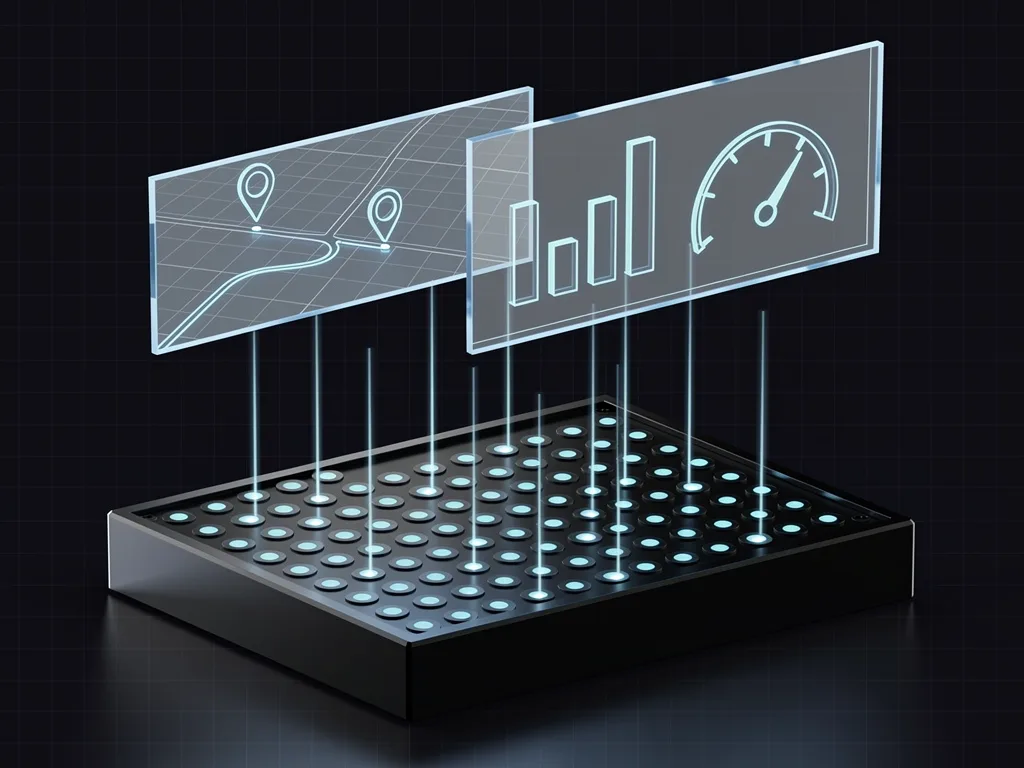
What Headless Telematics is
Headless Telematics splits the product into two parts: a telematics backend — data and logic — exposed through documented APIs, and an interface designed by the team building the product. The core stays the same, and any interface can be built on top of it. Navixy works this way: telematics backend capabilities are available through documented APIs, and the exact set of operations for each use case is described in the documentation.
- Build a portal, a mobile app, a workflow embedded in a business process, or an integration with your operations system — you are not limited to a single interface.
- Your team owns the user experience, accessibility, application security, support, and releases of the interface it builds.
- The documented API is the foundation of the architecture: one contract serves web, mobile, and embedded use cases — and, in time, an agent through MCP. Navixy MCP
- Customer portal
- Mobile app
- Business-process integration
- Operations management system
- Ready interface
Headless is the step between white label and Composable Telematics
Telematics moves from a ready interface through a headless architecture to a composable platform — and on to agent-ready infrastructure, where data and logic are used not only by people but by AI agents. Headless is the step where the backend is already exposed through APIs and the interface becomes your field for differentiation.
- White label and Headless are adjacent, equal steps: choose a ready interface where it pays off, and a custom one where the interface becomes your advantage.
- Headless already gives you a custom interface on a documented backend — the step to Composable Telematics can come later, when you need data and logic to be independent. Composable Telematics
An application layer connects your interface to the telematics backend
raw_telematics_data.tracking_data_core A documented API and a stable data schema — for example, the raw_telematics_data.tracking_data_core table in IoT Query.
Data schemaThe application layer calls operations and reads only the fields it needs; the browser never connects to the backend directly.
Read access to telemetry through the PostgreSQL-compatible IoT Query connection.
Connection setupUser identity, secrets storage, and query limits sit on your solution's side.
Per-instance connection credentials — tenant isolation at the backend level.
Your team aligns user-to-tenant mapping and key rotation with Navixy before launch.
Operational logic in IoT Logic: ingestion, transformations, actions, and routing.
Logic operationsThe interface, accessibility, error handling, and user support are your responsibility.
| The telematics backend guarantees | Your interface owns |
|---|---|
| A documented API and a stable data schema — for example, the raw_telematics_data.tracking_data_core table in IoT Query.Data schema | The application layer calls operations and reads only the fields it needs; the browser never connects to the backend directly. |
| Read access to telemetry through the PostgreSQL-compatible IoT Query connection.Connection setup | User identity, secrets storage, and query limits sit on your solution's side. |
| Per-instance connection credentials — tenant isolation at the backend level. | Your team aligns user-to-tenant mapping and key rotation with Navixy before launch. |
| Operational logic in IoT Logic: ingestion, transformations, actions, and routing.Logic operations | The interface, accessibility, error handling, and user support are your responsibility. |
Between the interface and the backend runs an application layer your team owns: it calls documented operations, carries business logic, and keeps the vendor credentials on the server, not in the browser.
- The application layer checks access rights, applies tenant context, and caches requests to the backend.
- Logs, request identifiers, and version checks tie the layers together — a failure can be diagnosed in minutes.
Three operations that define your headless architecture
Each one stands on its own: telemetry reads, tenant identity, and the release lifecycle.
SQL against live data
Documented PostgreSQL-compatible access to the raw_telematics_data.tracking_data_core table — read the fields you need directly.
Each IoT Query instance has its own credentials; user mapping and key rotation are configured at connection time.
Schema, versioning, a staging environment, and escalation are part of the contract you plan alongside the releases of your interface.
Applied logic — ingestion, JEXL transformations, and routing — is IoT Logic at the application layer, not part of the backend contract. Logic operations
You gain your interface — and responsibility for it
This trade pays off when the interface sets your product apart in the market and your team is ready to operate it: authentication, releases, incidents, customer support. When interface differences create no noticeable value for customers, white label stays a fast, cost-effective choice — an equal, not a fallback.
- Your team designs the interaction and owns accessibility, frontend security, releases, and customer support.
- Backend and application owners pin down authentication, authorization, query limits, versioning, and the escalation path before launch.
- One user workflow runs end to end — denied access, stale data, partial failure, a provider-side API change: that is how you test the responsibility boundary, not a single lucky request.
- White label stays a fast, cost-effective choice when a custom interface creates no noticeable value for the customer. White-label
- Portal user authentication and sessions
- Data presentation, accessibility, error handling
- Documented telematics backend API
- Per-instance connection credentials
Walk one use case — from connection to support
That makes the responsibility boundary visible in practice, before the first line of interface.
- 01User identity
- 02Connect per the documentation
- 03Query the data table
- 04Display and support
- 05Monitoring and change
Headless Telematics questions
What is Headless Telematics?
So is every backend feature available through an API?
Who owns security in the Headless Telematics model?
When is white label the better choice over Headless?
Should the browser call the telematics API directly?
How do you validate a headless architecture before launch?
Can we keep the ready interface as a fallback alongside a headless solution?
When does Headless Telematics start to pay off?
Can an AI agent or developer tool work with a headless backend?
Build your interface on Navixy's documented backend
Start with one user workflow: identify the backend operations you need, the responsibility boundaries, and the lifecycle — before your team writes the first line of interface.
Headless Telematics exposes the backend through APIs — check the set of operations for your use case in the documentation.