Jobsite security with Navixy

    See what’s happening.
    Act in time.

    Connect equipment tracking, GPS locks, video, and field observations in one security solution. See what is happening on the jobsite, check events, and get the information to people who can act.
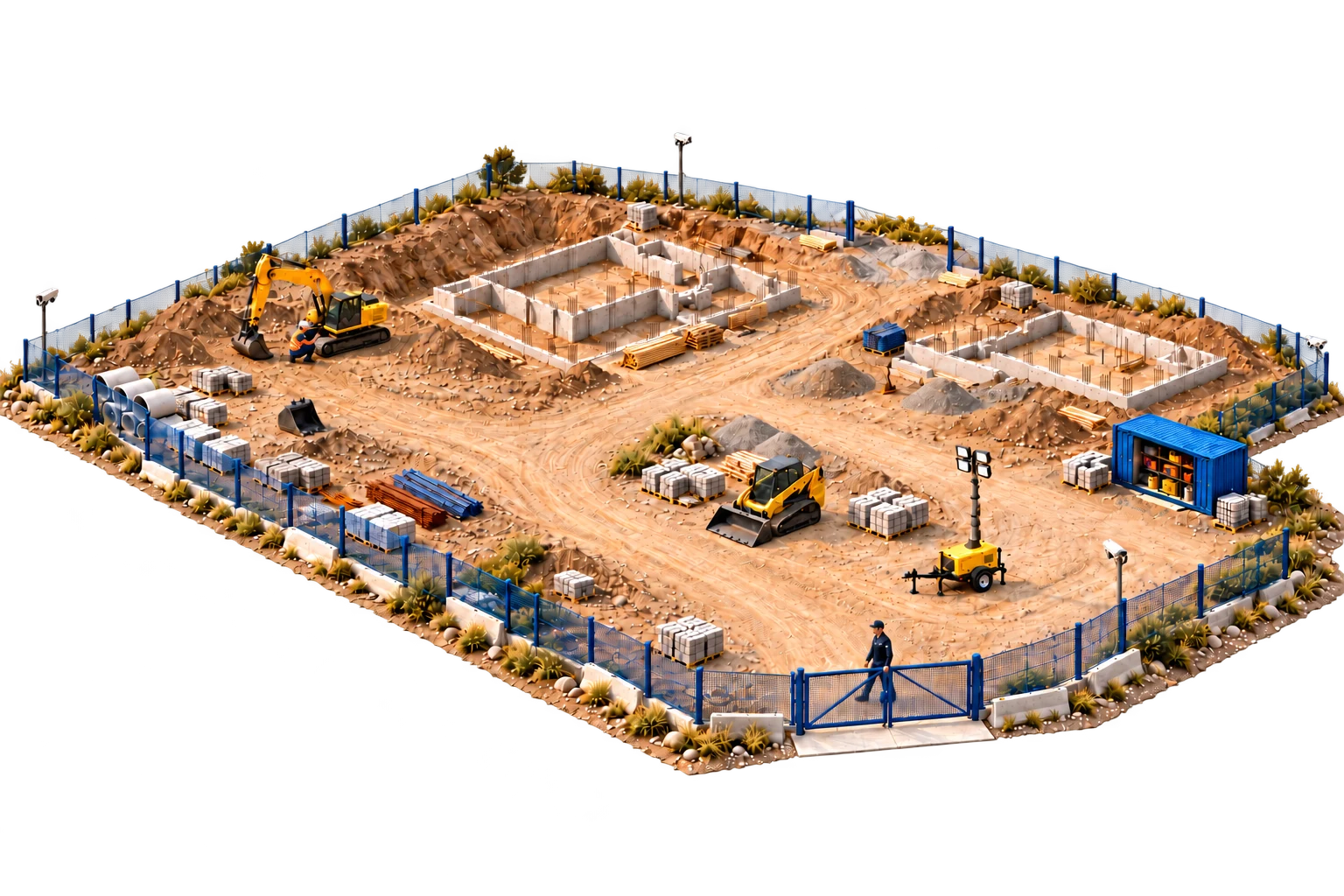
    Equipment, tools, containers, and people on one site
    End-of-shift inspectionEvent videoPatrol routeContainer opening
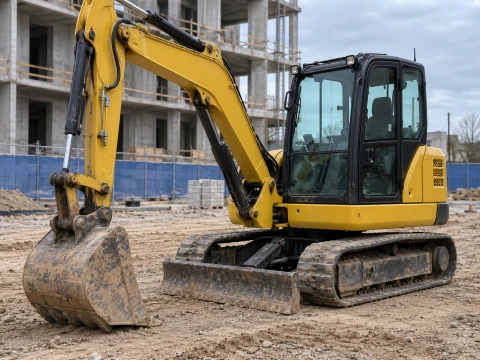
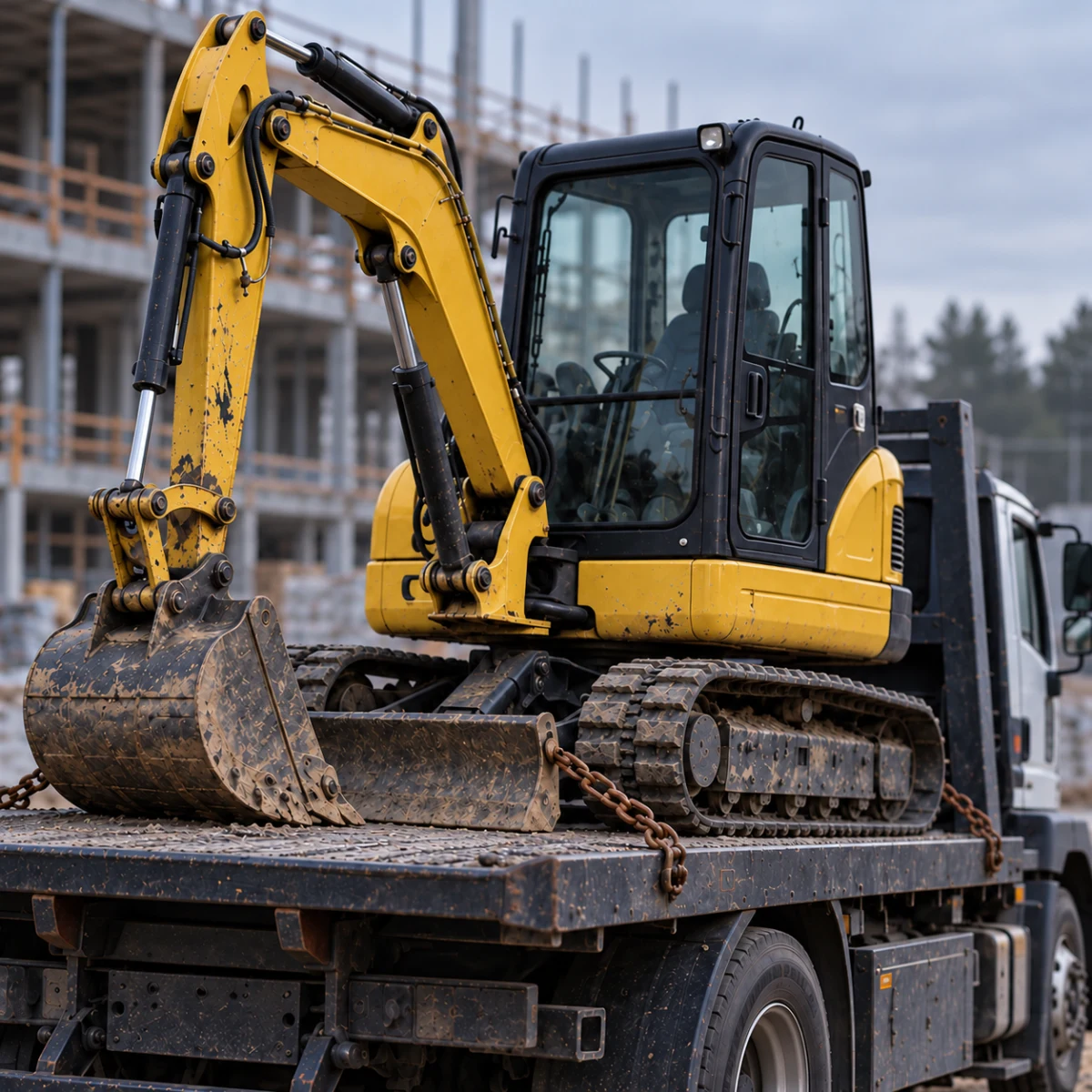
    Equipment removed from a site
    Equipment theft
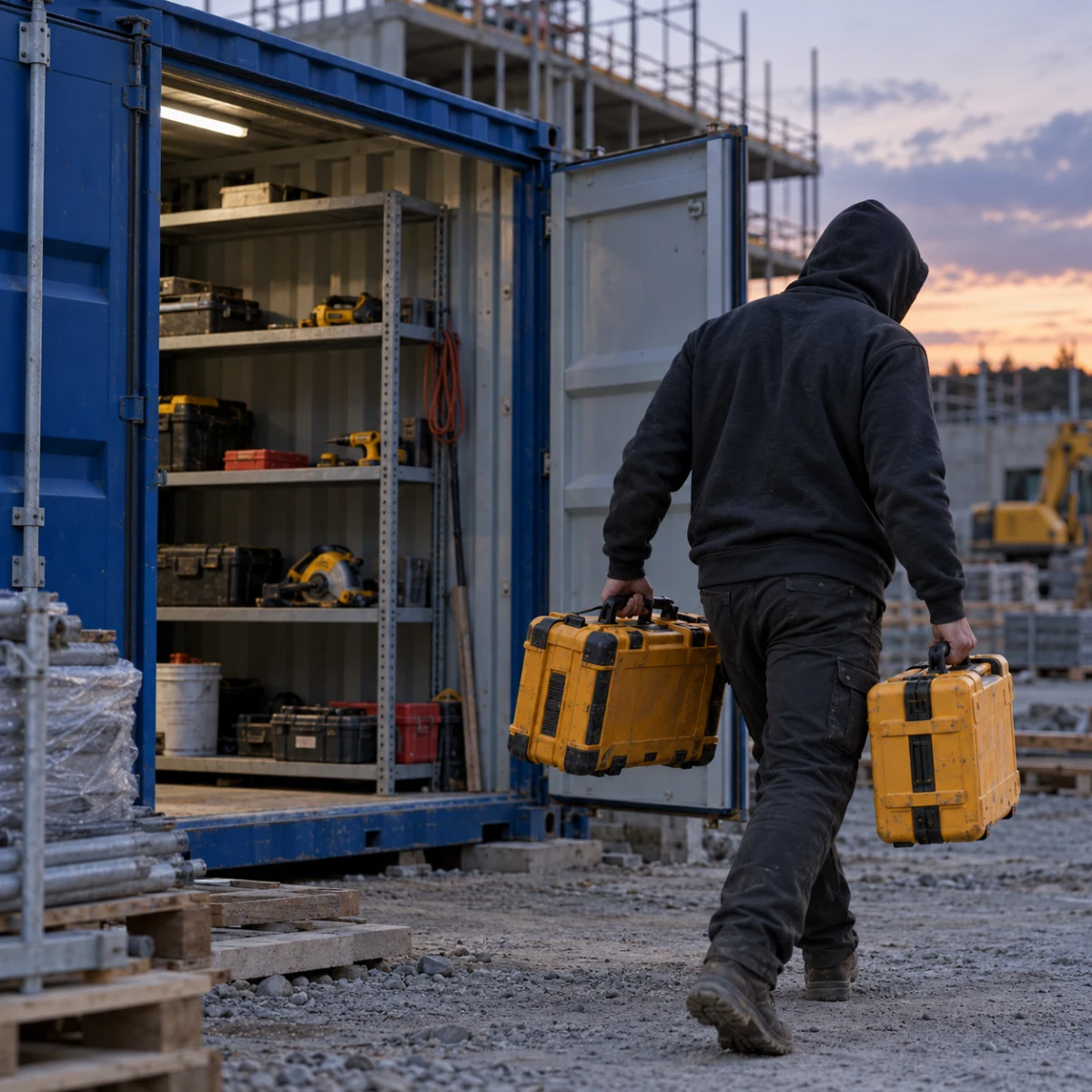
    Tool theft
    Tool theft
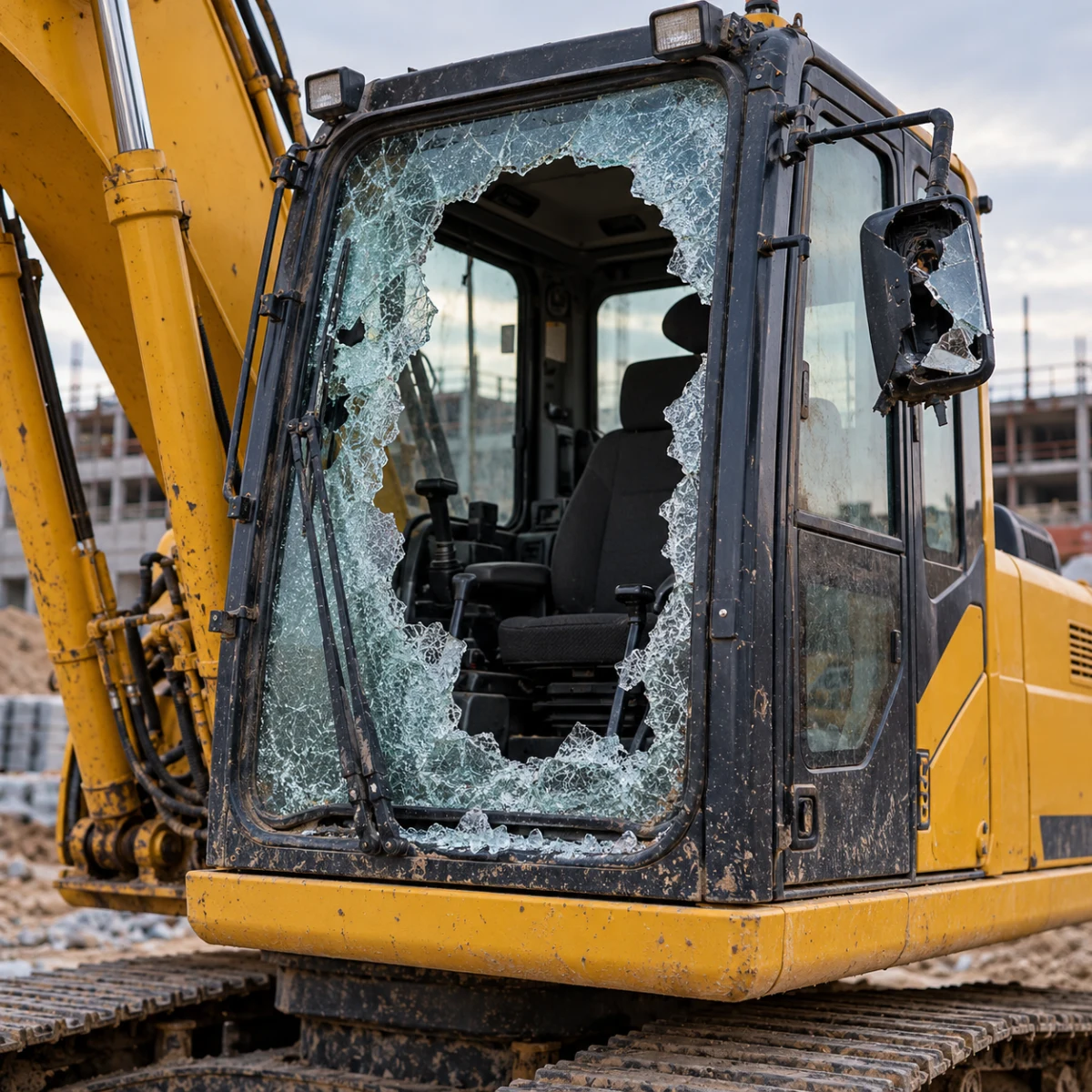
    Damaged cab
    Vandalism
    The cost of interrupted work

    Missing tools. A crew at a standstill.

    Tools go missing or a cab window gets smashed, and suddenly you are finding replacements, waiting for repairs, and rescheduling work. Jobsite security needs to cover heavy equipment and the essentials a crew needs to start its shift. Navixy can bring those priorities into one solution.

    One purpose: keep work moving

    Protection that works together

    Deter

    Cameras and GPS-tracking signs show that assets are monitored.

    Delay

    Fences and locks slow access and give people time to respond.

    Detect and respond

    An event alert brings the situation to the people who can respond.

    Restore operations

    Records help explain what happened and get work moving again.

    Bring device events, video, and field observations into a shared response workflow: spot an event, check the circumstances, and involve the designated person. Each layer supports the others, giving your team the information to respond and get work moving again.

      Signals need context

      Equipment left the site. Was it planned?

      With Navixy, equipment movement can be checked against assignments from your planning system. IoT Logic processes the event using that context and routes it to the designated contact. Work plans, video, and field data provide a basis for deciding whether to confirm a scheduled move or check what is happening with the machine.
      What people contribute

      Coordinates will not show a cracked window

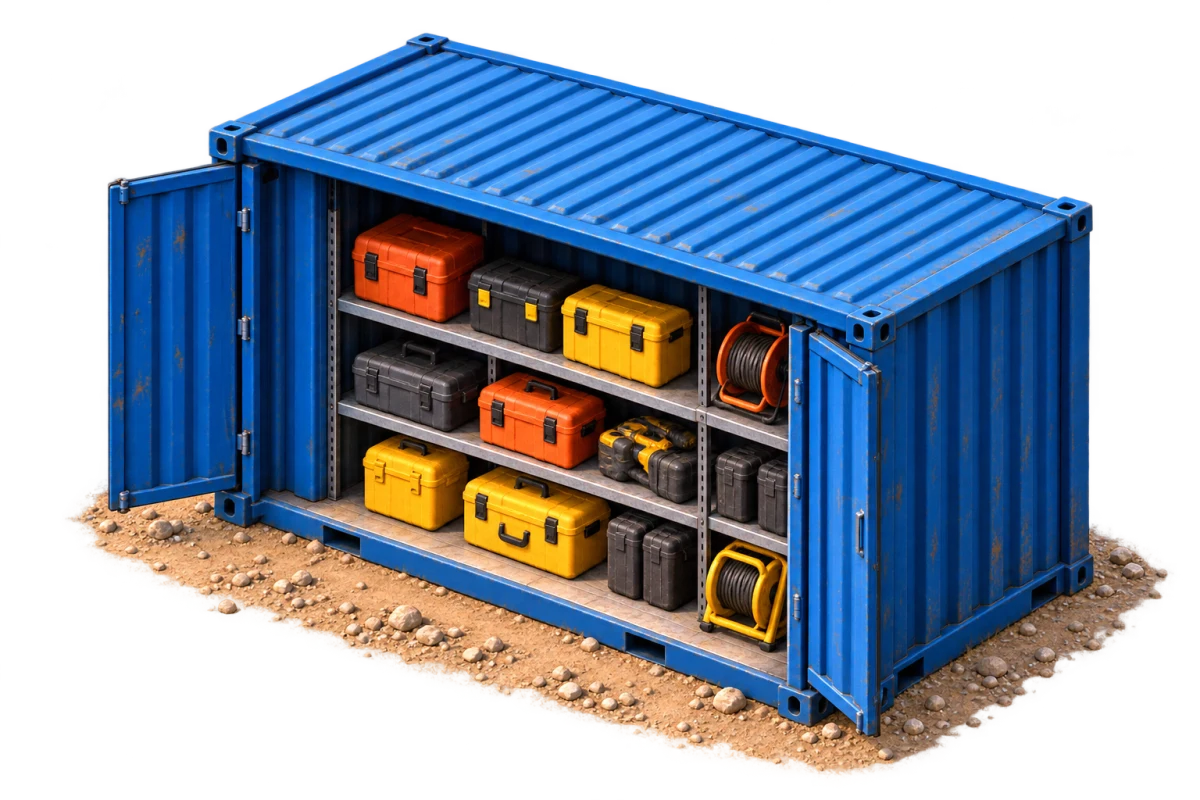
      Tool container
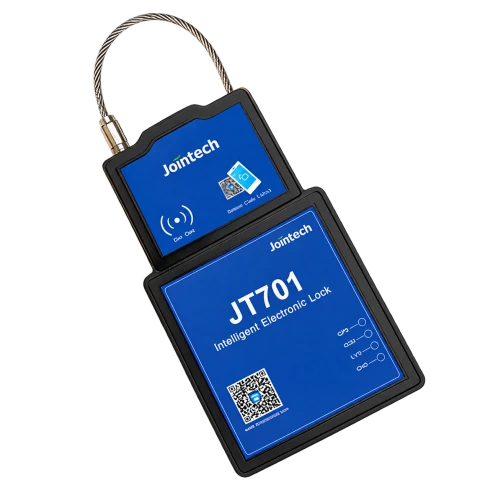
      GPS container lock
      GPS lock

      Where the container is and when it opened

      A GPS lock adds location and opening time.
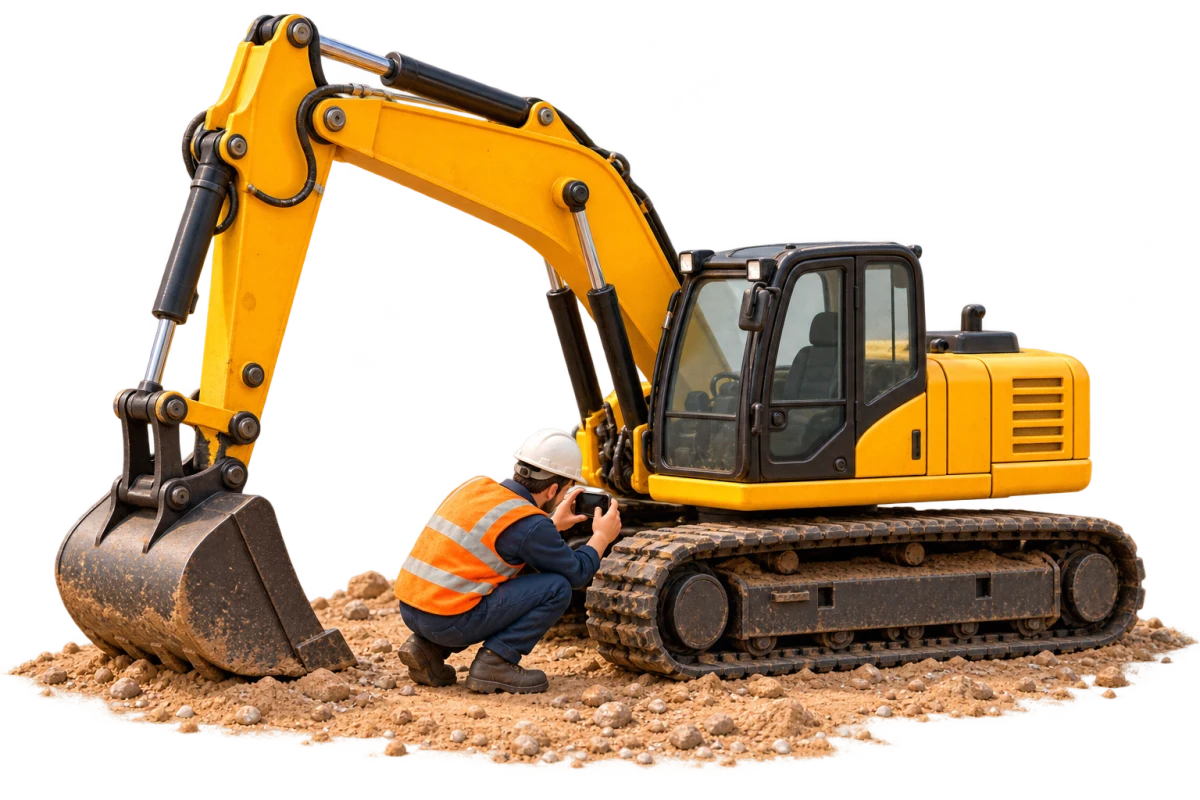
      End-of-shift excavator inspection
      Phone · inspection

      What the operator noticed

      Photos and mobile form observations retain the inspection location and time.
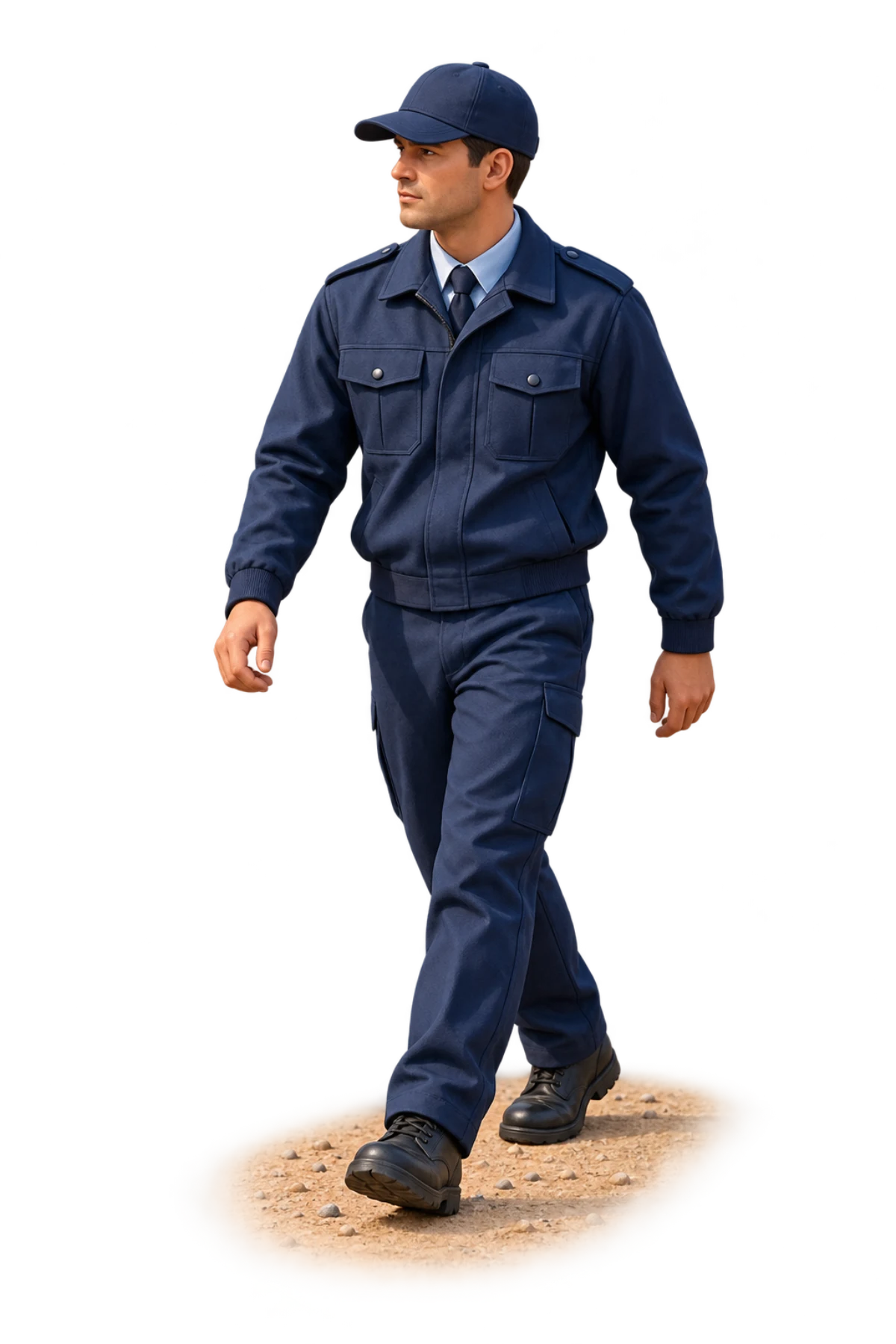
      Jobsite patrol
      Personal GPS tracker
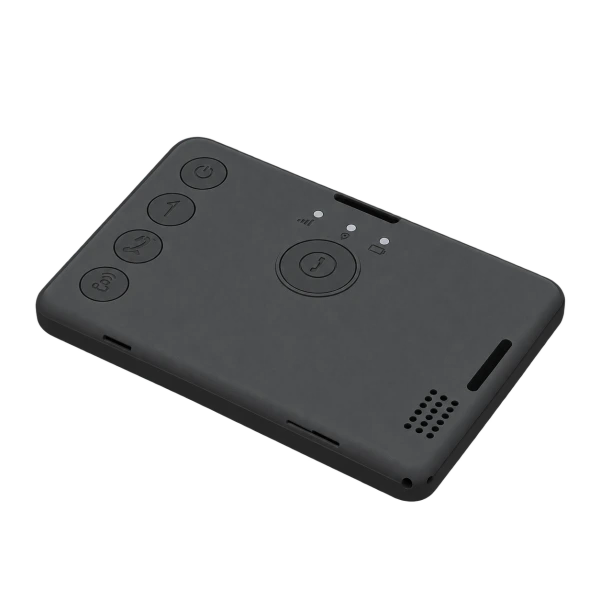
      Personal tracker

      Where the guard has been

      Routes and checkpoints show presence on site.

      Add what people see on site to the telemetry. Navixy mobile forms capture operator photos and notes with the inspection time and location. Patrol routes and checkpoints provide a record of site visits. Managers can check the situation more easily when device readings and field observations are available together.

        See the wider picture

        Where is the jobsite losing time?

        An excavator waits for haul trucks with its engine running. Over a month, those pauses add up to hours. In Dashboard Studio, ask the agent for an idle-time overview built on IoT Query data, compare jobsites, and inspect individual events. Keep the dashboard for your operations meeting to discuss truck arrivals and see whether changes are making a difference.

        Built around your infrastructure

        Build security around your jobsite

        Already have equipment installed? Start there. Navixy can connect telemetry with data from your business systems, bring in missing devices, and support the event workflows and dashboards you need. Navixy engineers can help work through the architecture and integration. The scope follows your site priorities and the way your team works.

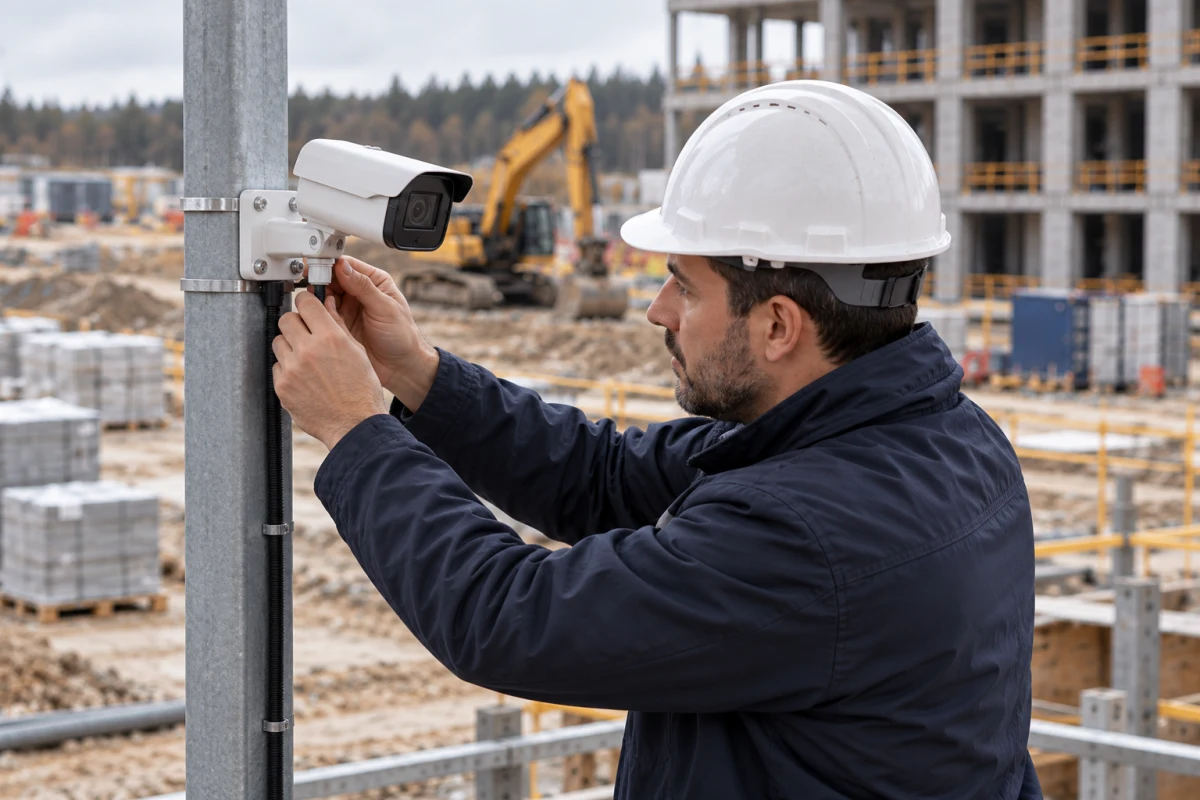
        Putting the jobsite solution together
        Jobsite priorities
        Putting the jobsite solution together
        Equipment and configuration
        Putting the jobsite solution together
        Data and analytics
        Security payback exampleCU

        Compare two outcomes: tools lost or retained. Then compare the avoided losses with a full year of security costs.

        Tools lost, three days of downtime9,500

        5,000 in tools + 4,500 in downtime

        Tools retained, one day of downtime1,500

        1,500 in downtime

        8,000

        loss reduction

        6,000

        annual security costs

        +2,000

        benefit after costs

        Annual costs include equipment, implementation, and service. Downtime in this example costs 1,500 CU per day.

        The economics of security

        Protect assets—and working time

        The price of a missing tool is only part of the loss. Add crew downtime, repairs, and rescheduled work. The example compares retained equipment and two recovered workdays with a full year of security costs. For your jobsite, we can compare potential losses with equipment, implementation, and service costs to have a concrete budget discussion.

        Whitepaper · 12 pages

        A closer look at the solution

        The whitepaper covers jobsite scenarios, Navixy architecture, the roles of equipment and people, and a security cost example. Save it or share it with colleagues: it has the detail you need to discuss how the approach could work across your sites.

          Construction site security whitepaper cover

          12 pages to inform your project

          • — Security scenarios and priorities
          • — Connecting devices, data, and people
          • — Architecture and project economics
          Download PDF
          Practical questions

          How will this work on your jobsite?

          Can we use the GPS trackers and cameras we already have?
          Yes. Compatible equipment can become part of your Navixy solution. We start with the models and the data they provide: location, ignition status, sensor readings, and events. Camera video and archive access need a separate check. The goal is to establish which needs are already covered and where a signal or a way to verify an event is missing. That keeps the project grounded in your infrastructure and gives each purchase a clear purpose.
          How can we monitor containers and tools without a permanent power supply?
          Battery-powered asset trackers are an option; GPS locks can also be used on containers. A lock may report its location and opening events; the exact functions depend on the model. Battery life depends on reporting frequency, temperature, and coverage. Installation matters too: a metal container can obstruct reception. We choose the mounting position and reporting schedule together, based on how quickly you need to know about movement or opening.
          How do we avoid an alert every time a machine makes a scheduled move?
          Approved moves can be included in the event-processing rules. Move orders, equipment assignments, and departure times can come from your planning system through HTTP Push. IoT Logic associates those attributes with a specific tracker and uses them when evaluating conditions. A real move order is a useful starting point: how is it created, changed, and canceled? That establishes which departures need attention and what context should go with them.
          Can we see what happened before an event, rather than just live video?
          The project needs access to recordings from suitable cameras or video recorders. Live view, event clips, and archive search are separate capabilities to verify for the chosen equipment and integration. We establish the required footage, retention period, and image quality upfront. On a jobsite, nighttime conditions and detail at working distance matter: a vehicle plate, the container area, or activity around a machine. Those requirements drive bandwidth and storage sizing.
          What happens if the jobsite loses cellular coverage?
          Receiving a device event promptly requires a working communications link. Whether history is stored locally and uploaded after reconnection depends on the tracker and its configuration. Until fresh data arrives, the last known coordinates do not establish the machine’s current position. The site plan should define an acceptable communications gap, connection-loss alerts, and what people on site will do. These settings need to be checked against actual coverage.
          How can we monitor a remote jobsite with no cellular coverage?
          Remote or spread-out sites can combine satellite connectivity with a local LPWAN network, such as LoRaWAN. Sensors and trackers send short messages to a gateway, while a satellite link connects that gateway to the wider network. Compatible satellite trackers are another option for individual machines. The Navixy integration is designed around the equipment and network server. Terrain, gateway power, reporting frequency, and airtime costs are part of the design; video requires separate bandwidth planning.
          Can operators carry out equipment inspections on a smartphone?
          Yes. Navixy mobile forms can capture inspection results, photos, and notes. A form can be linked to a task or submitted with a Check-in. An excavator inspection might cover oil leaks, cab damage, and attachment condition. The field submission gives the manager the employee, time, and location details. Tailoring the form to the machine makes the inspection clear for the operator and gives the office useful evidence for a repair or return-to-service decision.
          Who receives an event and arranges the on-site check?
          Response owners and procedures are agreed with your team when the solution is designed. That may be a dispatcher, site superintendent, or your existing security team. Each workflow needs a recipient, a way to confirm that a check has started, and a backup contact if nobody responds. IoT Logic can send an event to an external system through a Webhook; acknowledgment and follow-up belong to that system’s agreed workflow. The message becomes part of an operating process with a clear owner.
          What data do we need to understand equipment downtime and idling?
          A useful calculation needs engine-operation data and clear definitions of working states. A stationary excavator may still be doing productive work, so location alone is not enough. We check what the machine can provide: ignition status, engine hours, load, or other operating indicators. Then we agree what counts as idle time. IoT Query data can support a view by site and machine, with access to source events to discuss where time is being lost—for example, while waiting for haul trucks.
          How do we assess whether jobsite security will pay for itself?
          The comparison includes retained assets, reduced downtime, and the full solution cost. We start with your costs: replacing tools, repairs, a crew’s lost workday, and getting operations running again. Then we identify which losses the chosen security workflow can influence. The budget covers equipment, installation, connectivity, integration, and service. Separating device purchases from recurring costs makes the comparison useful in year one and beyond. It provides a basis for choosing the project scope.
          What should we prepare for a jobsite security discussion?
          Start with the site and a situation your team wants to improve. Useful context includes the equipment on site, tool storage, how departures are approved, and who could check an event. If you have a device list, coverage map, or planning system, we can review those too. That is enough to discuss Navixy architecture, missing data, equipment needs, and implementation around today’s operations and the sites you may add later.

          Let’s discuss security for your jobsite

          Tell us about your jobsite, equipment, and team priorities. Together, we can identify the events that matter, the data that gives them context, and who needs the information. From there, we can propose a Navixy solution that fits your infrastructure.

          Find a partner
          What describes you best?